A clean video transfer New York appreciates.
Video to DVD
- - VHS, VHS-C, SVHS
- - Video 8, Hi8
- - Digital 8, MiniDV
- - Beta, MicroMV
We Transfer:
Video to Blu-Ray
- - Crop Fuzzy Borders
- - Noise Reduction
- - Stabilization
Transfer Includes:
Output to Digital Files
- - DVD Video (MPEG-2)
- - Blu-Ray (MPEG-2)
- - MOV or AVI (SD)
Output Options:
What we transfer
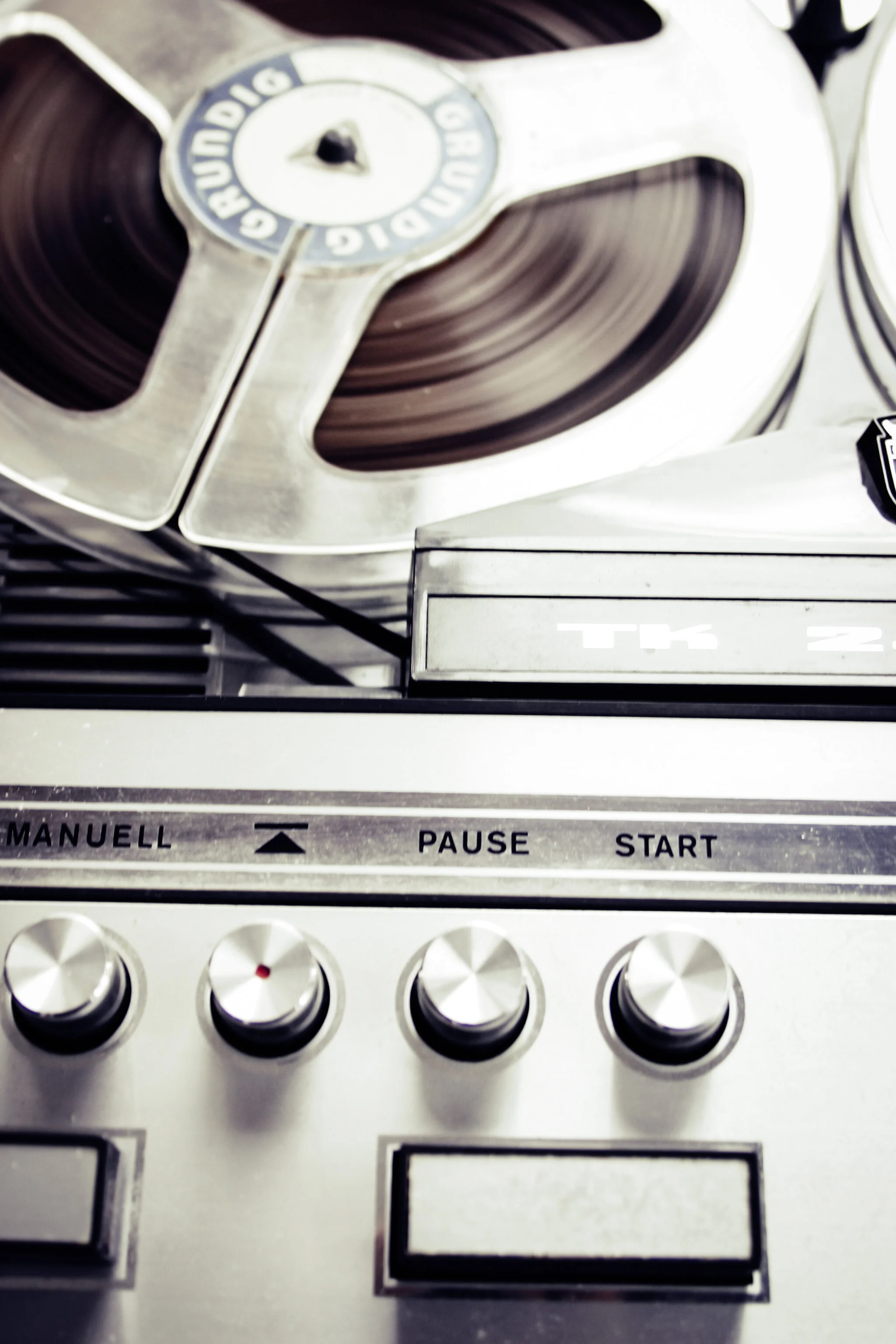
We transfer most types of consumer video; this includes VHS, VHS-C, SVHS, Video 8, Hi8, Digital 8, MiniDV and even Beta or BetaMax. Besides video to DVD orders, we also offer video to digital files of all file types. This includes output to editable files, web files, etc.How we transfer
We use professional-grade players to output the original, analog video signal. This signal is then passed through multiple high-end converters which digitize the signal (turn it into a bunch of 1s and 0s) and also give it a bit of a tune-up in the process. It's like an invisible cleaning crew working on the image as it passes through our system. We normally apply a slight crop of the edges of the original video which will cut out the fuzzy border that is typically not shown on older TVs, but could be visible on new ones. For video to DVD orders, you can request to not have this crop applied if you plan to only watch on analog TV.These images illustrate the noise reduction and video stabilization included in the transfer:


What you get
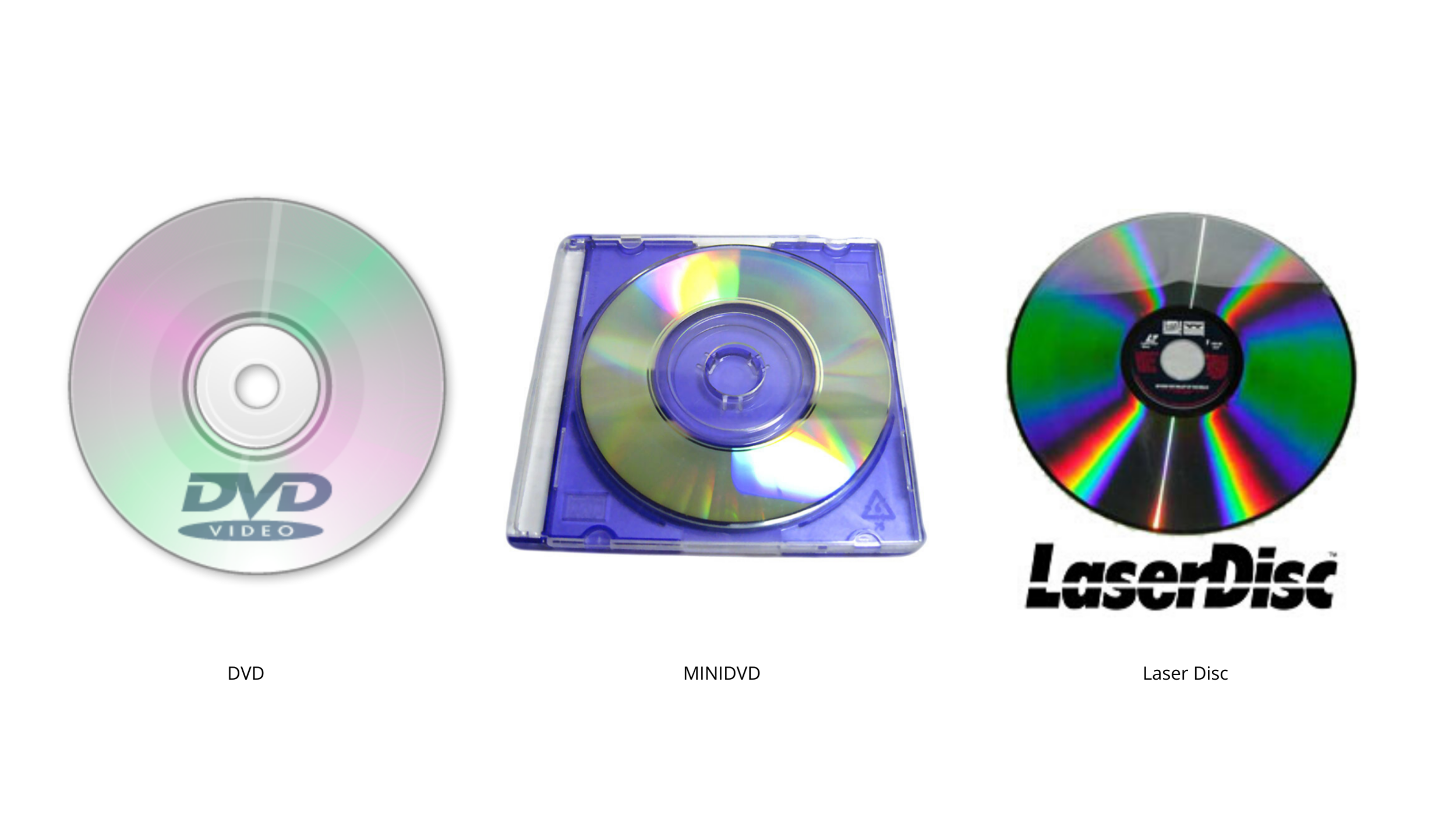
For video to DVD orders we typically transfer directly to high-quality MPEG-2 files, which are standard for DVD Video. We can also create Blu-Ray discs with your standard definition footage, and fit up to 10 hours on one disc. Before burning the final disc, we eliminate any blank spots longer than 5 seconds from the video, leaving you with only what you want to see. For customers looking for output options other than video to DVD please read below.Customize
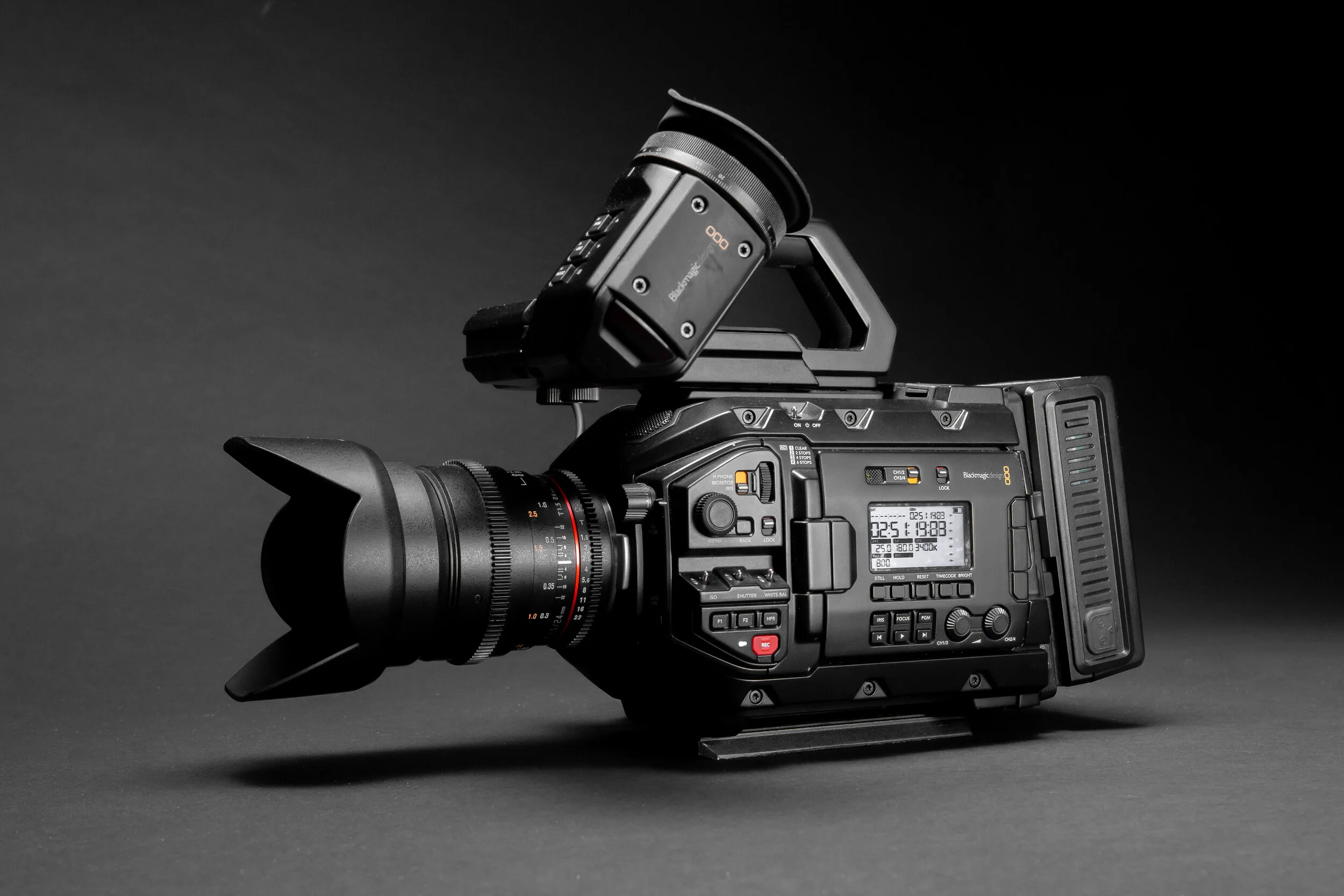
There are many ways to deliver digital video besides DVD or Blu-Ray. If you want your files ready for editing, ready for your iPod, or for delivery on the web, then let us know. We can work around your needs. The files we produce for editing are compatible with all editing software on the market, and we'll even suggest the various software you might need to better complete your project. We also offer custom video editing, and DVD menus with thumbnails as an extra service for video to DVD orders.Pricing
Each tape is billed $15 for up to two hours, whether it is transferred to editable files such as MOV and AVI, or to DVD files such as MPEG-2. Like photo scanning, the transfer does not include output to DVD. You have the option to consolidate the video to fit on as few DVDs as possible, to save space and money. If you're on a budget we will usually suggest you transfer to digital files on a hard drive rather than video to DVD. If you are consolidating to DVD, you will need to estimate the number of discs required to hold all of the videos in your order, which you can do using the calculation table and instructions in the order form.Transfer |
Price |
Video Tape up to 2 Hours |
$15 |
Additional Hours |
$10 |
Transfer Prices Do Not Include Output, Which is Below
Output |
Price |
DVD Video (2 Hours) or Data |
|
Gold DVD Video (2 Hours) or Data |
$15 |
Blu-Ray Video (10 Hours) or Data Disc |
$50 |
Data Files to Hard Drive |
$5 |